If you run a marketing agency, you know the drill.
Client A needs a traffic report. You open GA4, switch to their property, pull the data. Then Search Console — different interface, different property selector. Then Google Ads — different account entirely, different login for some clients.
Now multiply that by 20 clients. That's 60+ account switches per reporting cycle. Each with its own credentials, its own property IDs, its own quirks.
AI was supposed to make this easier. Instead, it created a new problem.
The credential nightmare
Most AI tools and MCP servers expect a single set of credentials. One GA4 property. One Search Console site. One Google Ads account.
That works fine for a solo marketer with one website. It doesn't work for an agency. We tested every major marketing MCP server — 4 out of 10 support multi-client workflows. The rest require separate server instances per client.
To use a standard GA4 MCP server across 20 clients, you'd need to:
- Create 20 separate MCP server configurations (one per client property)
- Switch between them manually when changing clients
- Manage 20+ sets of API credentials
- Hope you don't accidentally query Client A's data while working on Client B's project
Some agencies try to solve this by creating separate AI workspaces per client. But then you lose the ability to compare across clients, spot industry trends, or build templates that work for everyone.
Others embed credentials directly in their prompts ("use property ID UA-12345 for this query"). That's a security risk and an operational headache.
What agencies actually need
After building our own agency's data infrastructure from scratch — the same system that runs 20+ client accounts today — we've learned what multi-tenant marketing intelligence requires:
Domain-based switching. Every query should include a domain parameter. "Show me traffic for aurora-fitness.com" and "Now show me northpeak-outdoor.com" should work without any reconfiguration. The system handles credential resolution behind the scenes.
"Show me organic traffic for aurora-fitness.com"
"Now compare that with northpeak-outdoor.com's performance"
"Which of my clients had the biggest traffic drop this week?"
Same session. Same tool. Different clients. Zero config changes.
Credential isolation. Client A's Google Ads credentials should never be accessible when querying Client B's data. This isn't just good practice — it's a trust requirement. Your clients are trusting you with their data. Mixing credentials is a breach waiting to happen.
Portal-based management. Adding a new client shouldn't require editing JSON config files or restarting servers. It should be: create a domain in the portal, connect data sources with a few clicks, done. The MCP server picks up the new domain automatically.
Cross-client intelligence. The real power of managing multiple clients is pattern recognition. Which clients are growing? Which are declining? Are there industry-wide trends affecting everyone? An agency tool should let you ask questions across your entire portfolio, not just one client at a time.
The reporting tax
Let's do the math on reporting overhead for a typical agency.
A standard monthly client report requires data from:
- Google Analytics 4 (traffic, conversions, behavior)
- Google Search Console (rankings, clicks, impressions)
- Google Ads (spend, ROAS, conversions)
- Sometimes WooCommerce, YouTube, or other sources
Manual approach:
- Log into each platform: ~2 minutes per platform per client
- Pull relevant data: ~5 minutes per platform per client
- Switch to the next client: ~1 minute
- Compile into a report: ~15 minutes per client
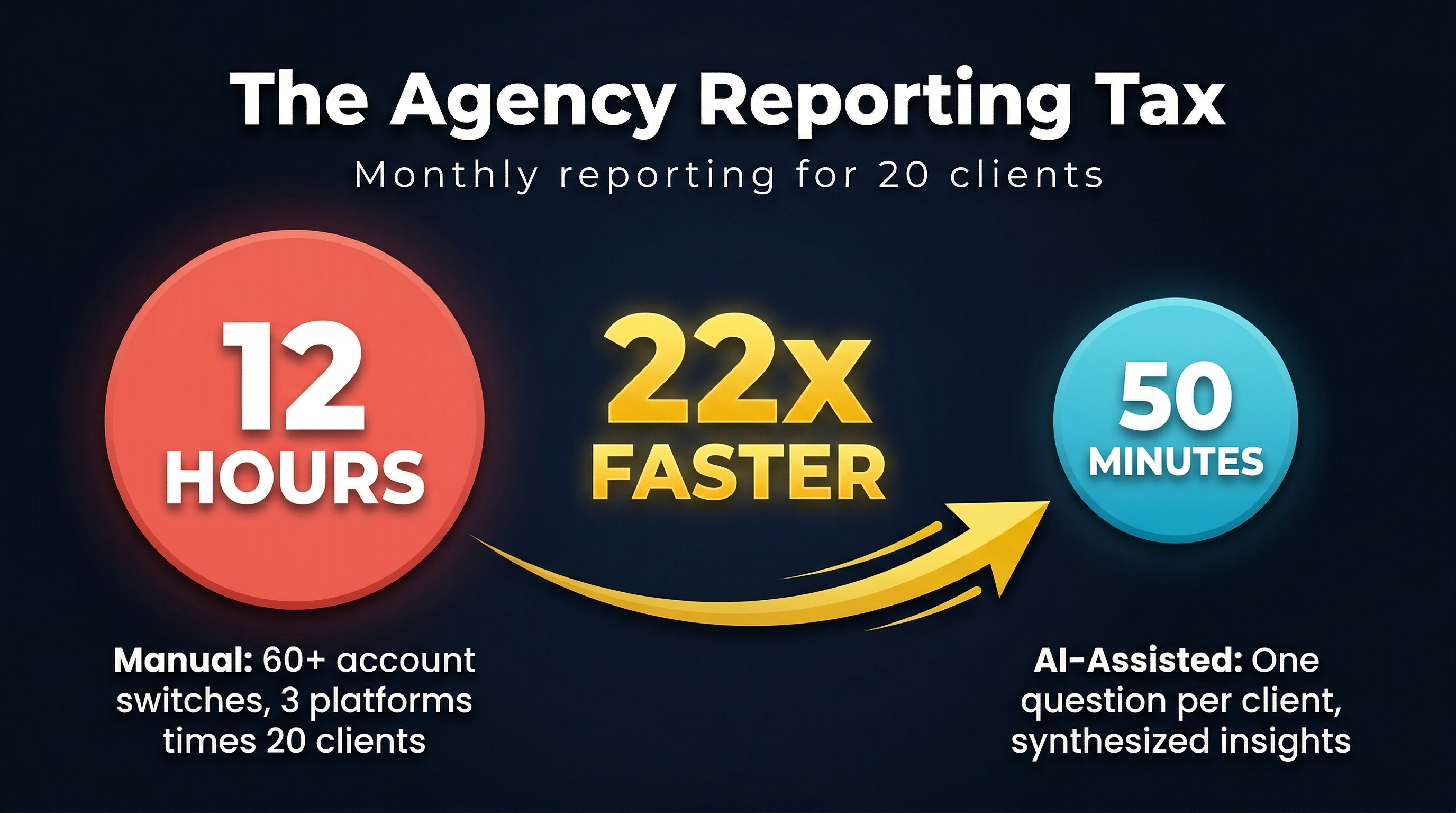
For 20 clients across 3 platforms: (2 + 5) × 3 × 20 + 15 × 20 = 720 minutes = 12 hours
That's 12 hours of data pulling before you've written a single recommendation.
With domain-based AI queries:
- Ask one cross-source question per client: ~30 seconds
- Review synthesized response with recommendations: ~2 minutes
- Repeat for next client: no switching overhead
For 20 clients: 2.5 × 20 = 50 minutes
From 12 hours to under an hour. That's not a marginal improvement — it's a category change.
What we learned from building for agencies
We built Agentcy to solve our own agency's problems first. Running 20+ clients on the same system taught us things you only learn in production:
Property IDs are not obvious. GA4 property IDs, Search Console site URLs, and Google Ads customer IDs all have different formats. The setup flow needs to help users find the right one — ideally with a picker that shows all their accessible properties.
Credentials expire. OAuth tokens need refreshing. API keys get rotated. A production system needs to handle this gracefully, not fail silently and return empty data.
Not every client uses every service. Some clients have GA4 but not Google Ads. Some have WooCommerce. Some only need SEO tracking. The system needs to handle partial configurations without breaking.
Agencies switch context constantly. The overhead of "context switching" between clients is real and expensive. The more friction in that switch, the more time gets wasted. Domain-based switching eliminates it entirely.
The bottom line
AI tools built for individual users don't scale to agency workflows. The credential model, the configuration overhead, and the lack of multi-tenant isolation all break down when you're managing a portfolio of clients.
If you're running an agency, your AI tools should understand that you work across multiple domains. They should handle credentials, isolation, and switching without you thinking about it.
That's why every Agentcy query includes a domain parameter. One server, every client, zero context-switching overhead.